Event creation is a great opportunity for demonstrating one's creativity and an unusual concept. Besides organizing your event, the Event function allows you to inform your closest colleagues about the upcoming Runmageddon, a 5 km run in your town, or a concert you would love to go to with them.
- Create an Event
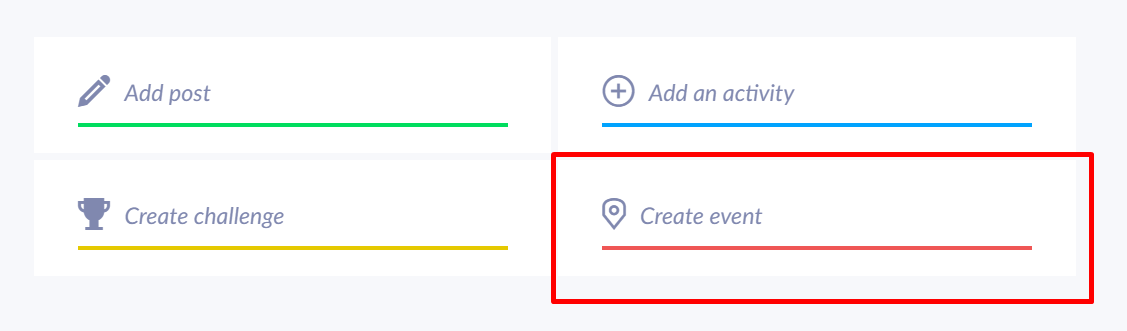
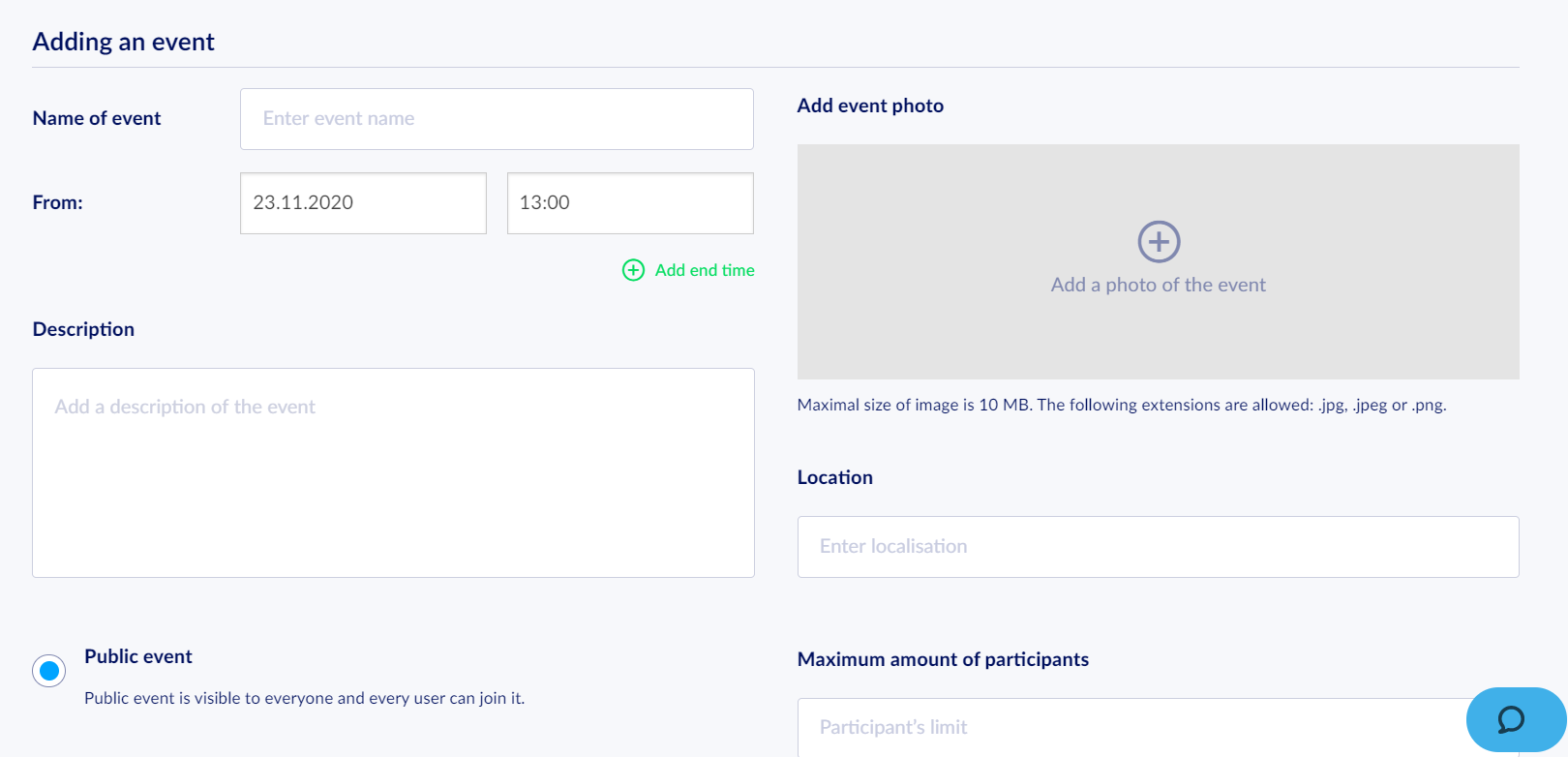
Click the button on the main page and read the form. Filling it is a mandatory step of an event creation process.
- Name and Date of the Event
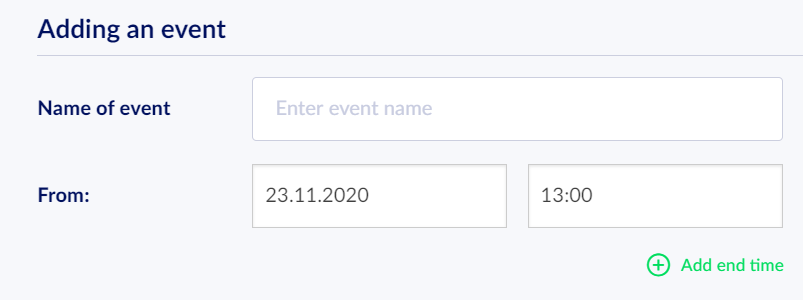
Remember that 00:00 o'clock is the start of a new day. What is more, the start date must be in the future.
Try to specify the content of the event as well as the time. Make sure that every participant may plan for it in advance.
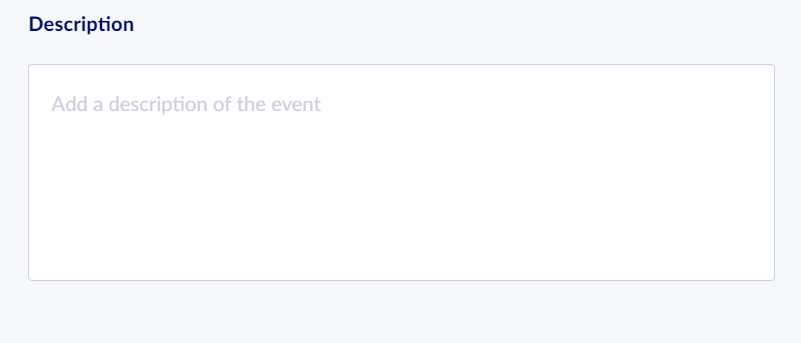
- Description
You certainly want to inform every user well about the organized event. Remember to add some information about the event or even add a link to the event page, where every user will be able to find more details.
- Inviting Users
You may choose one of the three options:

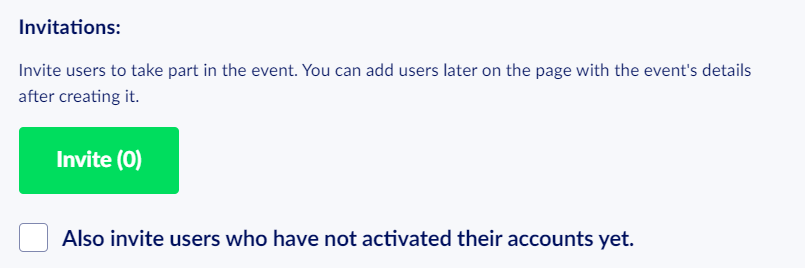
- If the event is public, you can invite users whose accounts are not active yet.
- If you organize a private event or an event with a limited number of participants, you may configure an invitation limit. That way, you can reserve a spot for every invited person.
- When you organize a group event, you can preview a list of users belonging to a group you selected earlier.
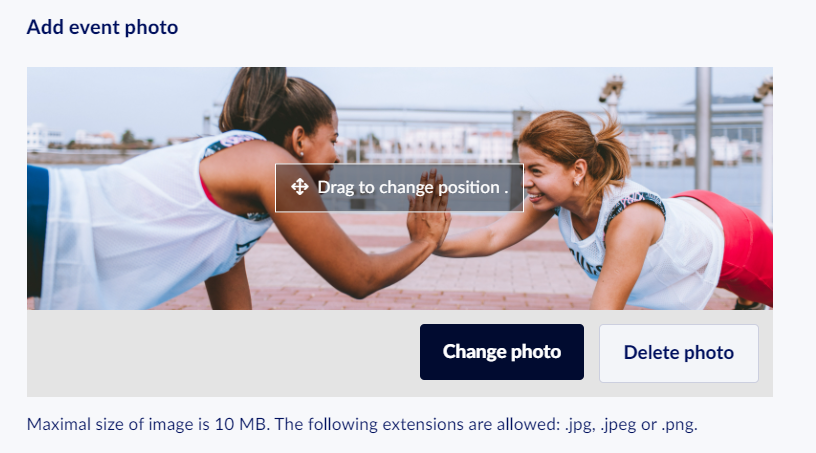
- Event Image
Add a JPG, JPEG, or PNG image of any resolution and adjust its position using the cursor.
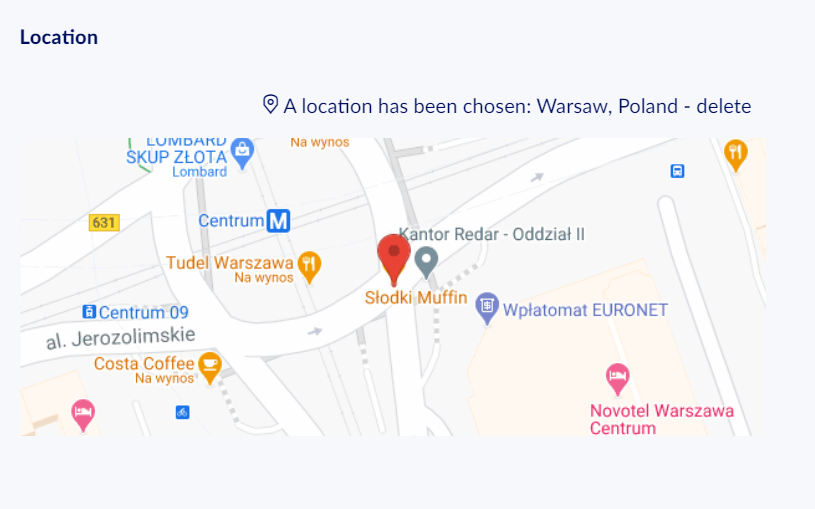
- Localization
Enter a place of the event and let the navigation automatically attach a map.
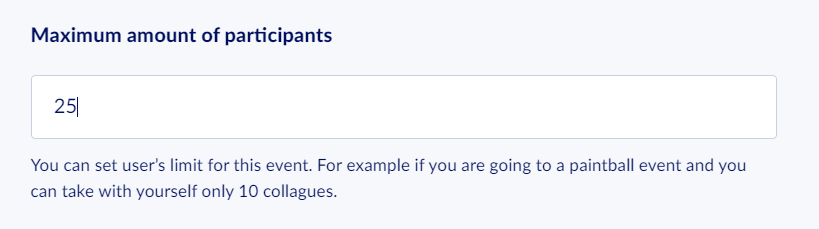
- Participant Limit
The field is not mandatory but may be very helpful if only a limited number of participants may join the event.
- Invitations
The inviting mechanism differs, depending on the event type set earlier (public, private, group).
If you organize a group event, you may invite not only your colleagues working for the company but also people who haven't activated their accounts.
After a private event creation, invitations are sent exclusively to the persons of your choice.
A group event differs from the ones mentioned above because people belonging to a group of your choice create it.