
Create various thematic groups and invite persons sharing your interests or people you want to inspire.
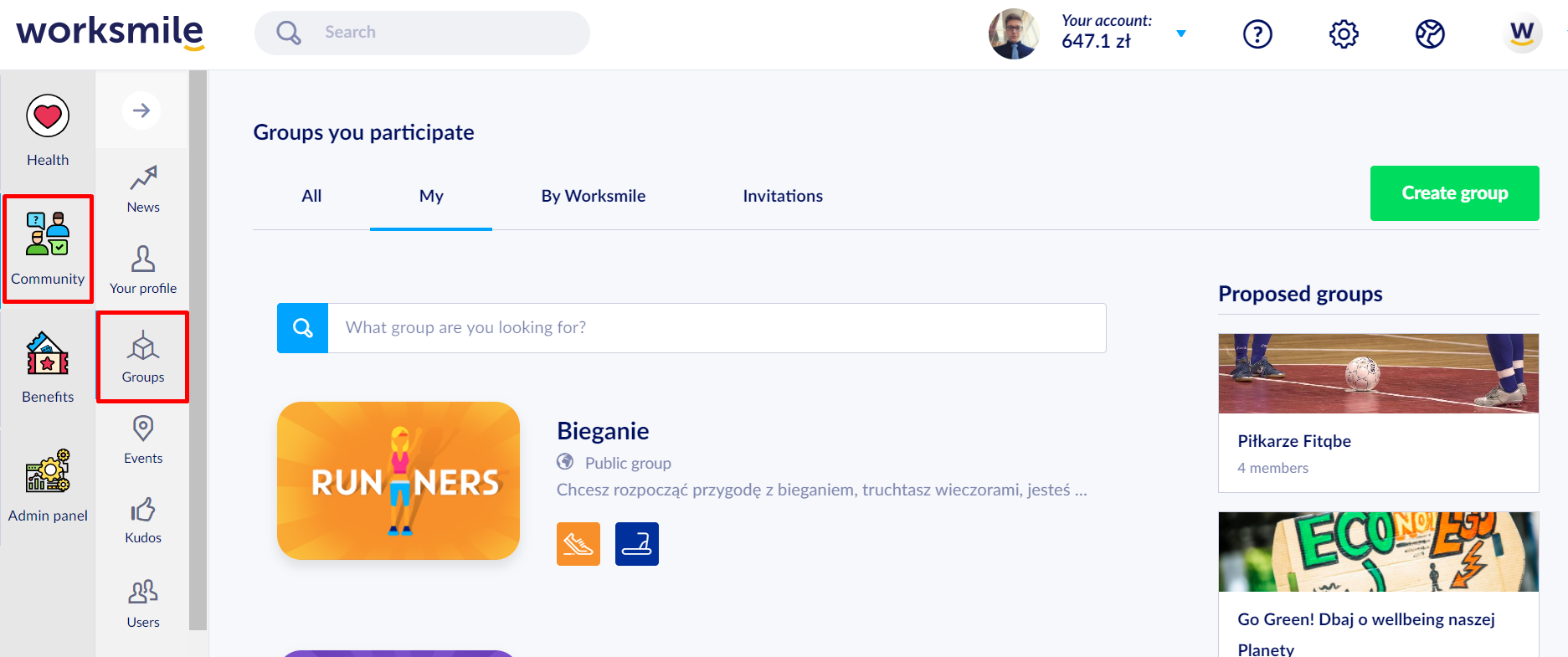
- Go to the Groups tab and click the Create a group button.
- Select a group you want to create
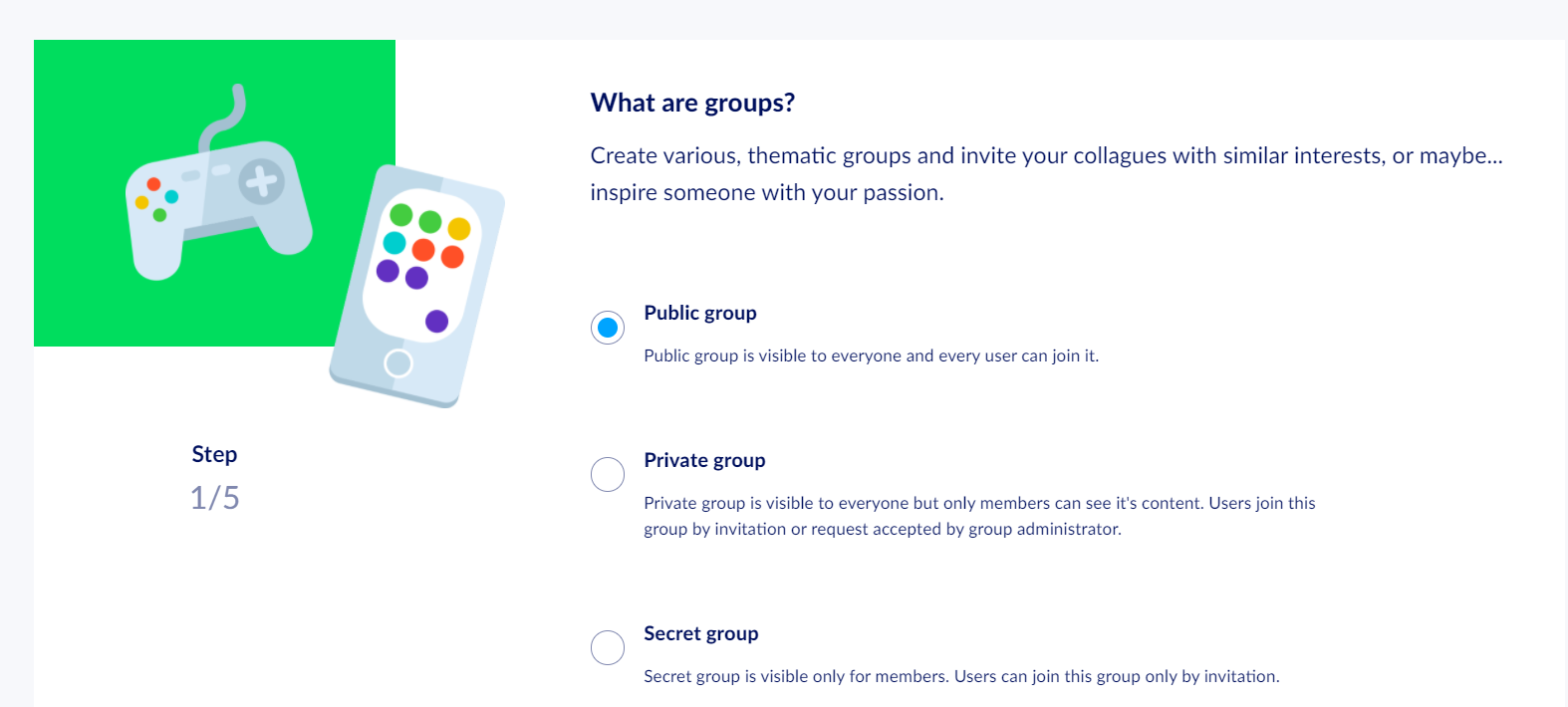
- Public – it is visible for all users and may be joined by any person.
- Private – it is visible on the group list, but nobody can see the internal group data. Every person willing to join the group must send an invitation request.
- Secret –this group is visible on the group list and accessible exclusively to invited users.
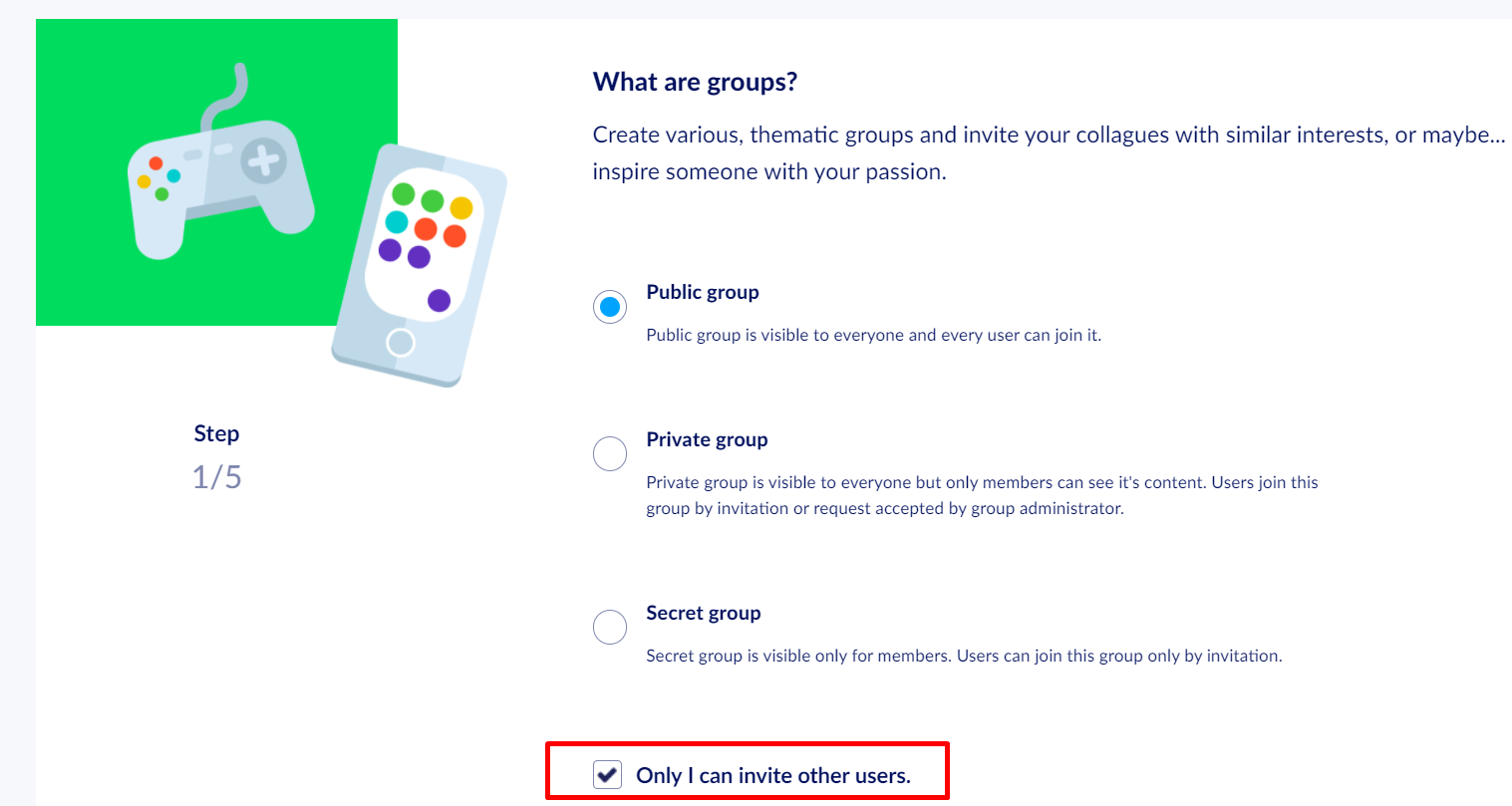
Regardless of the group type, you can set whether other group members apart from you can send invitations to platform users.
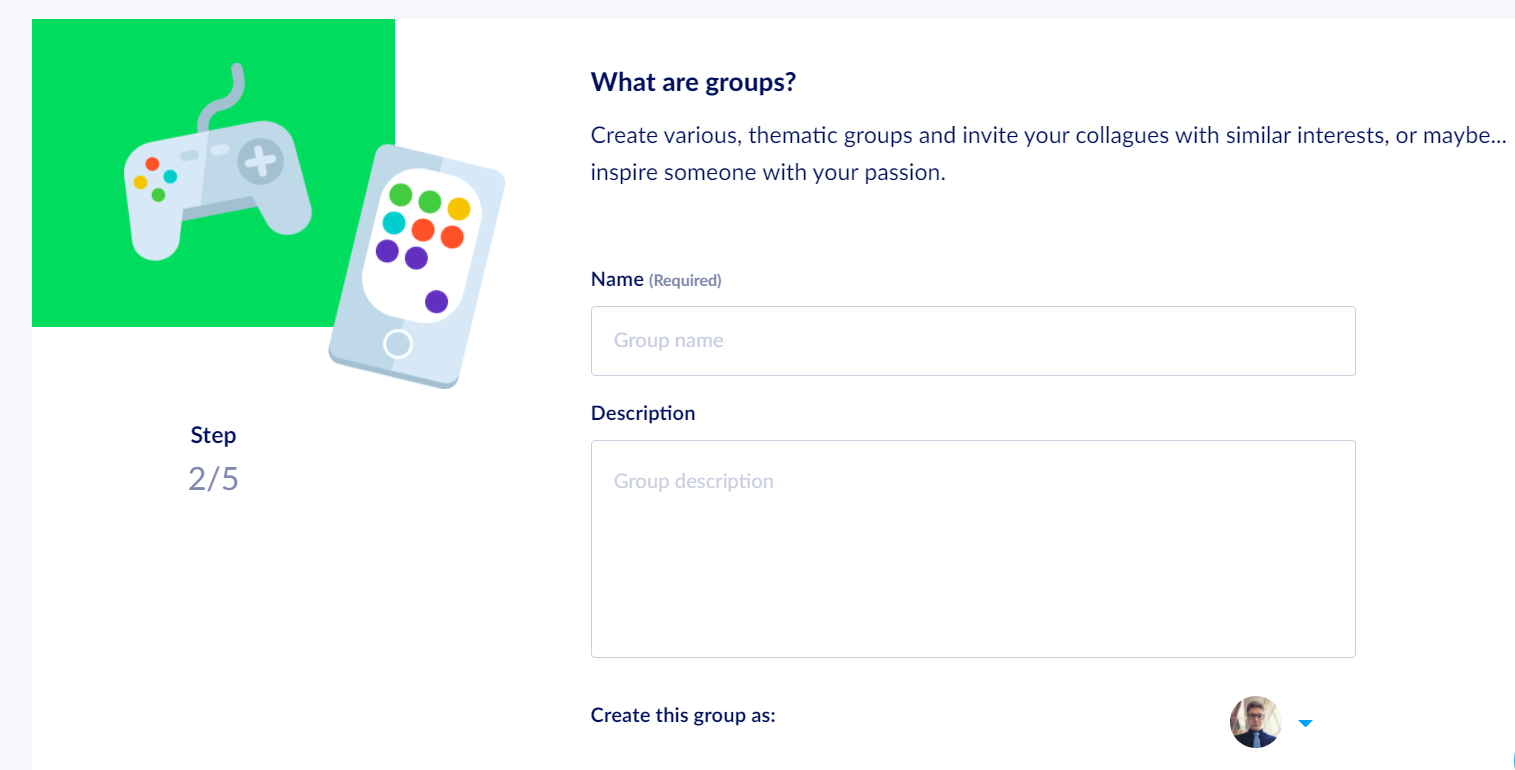
- Group Name and Description
Enter short information about the theme of the group for other group members.
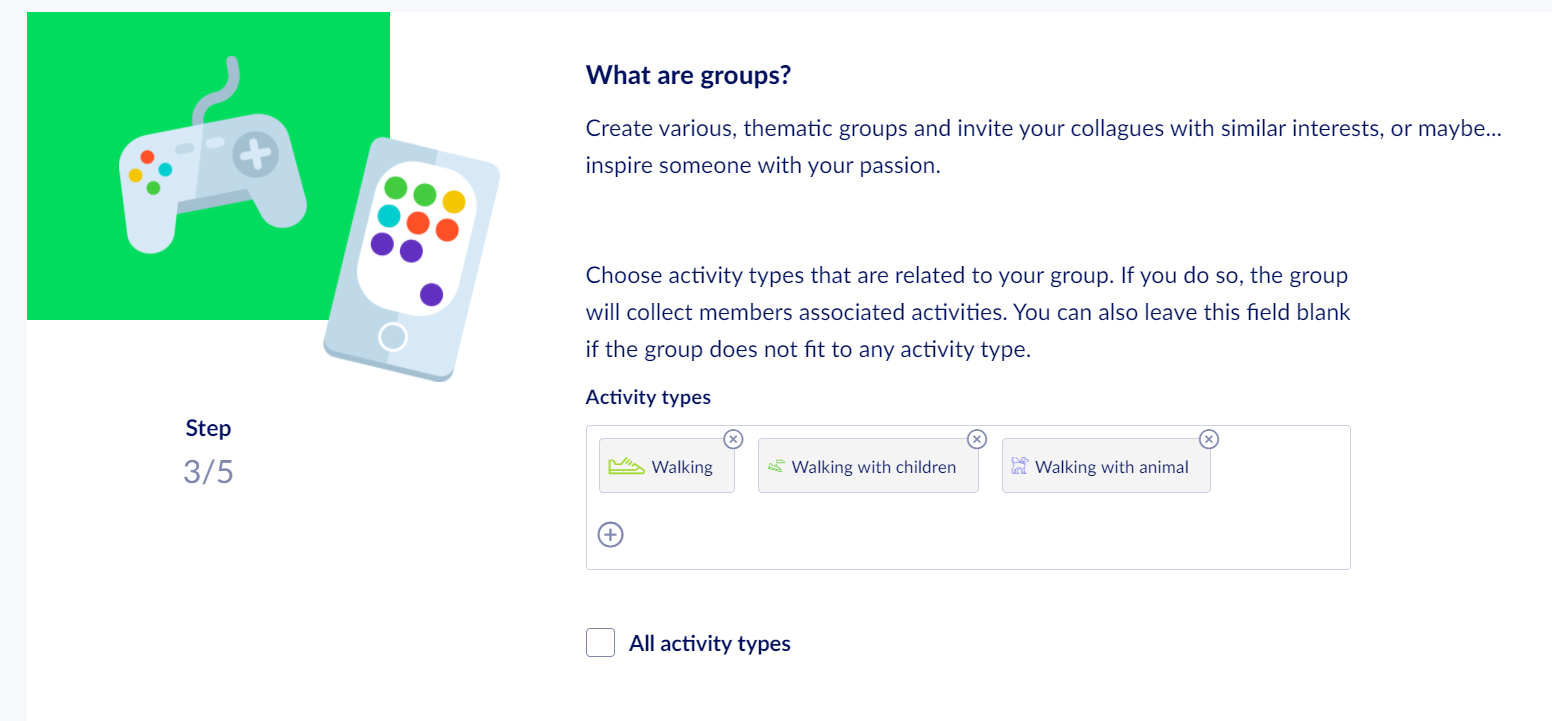
- Disciplines
You can create a group focused on your favorite discipline or any discipline you would like to talk about.
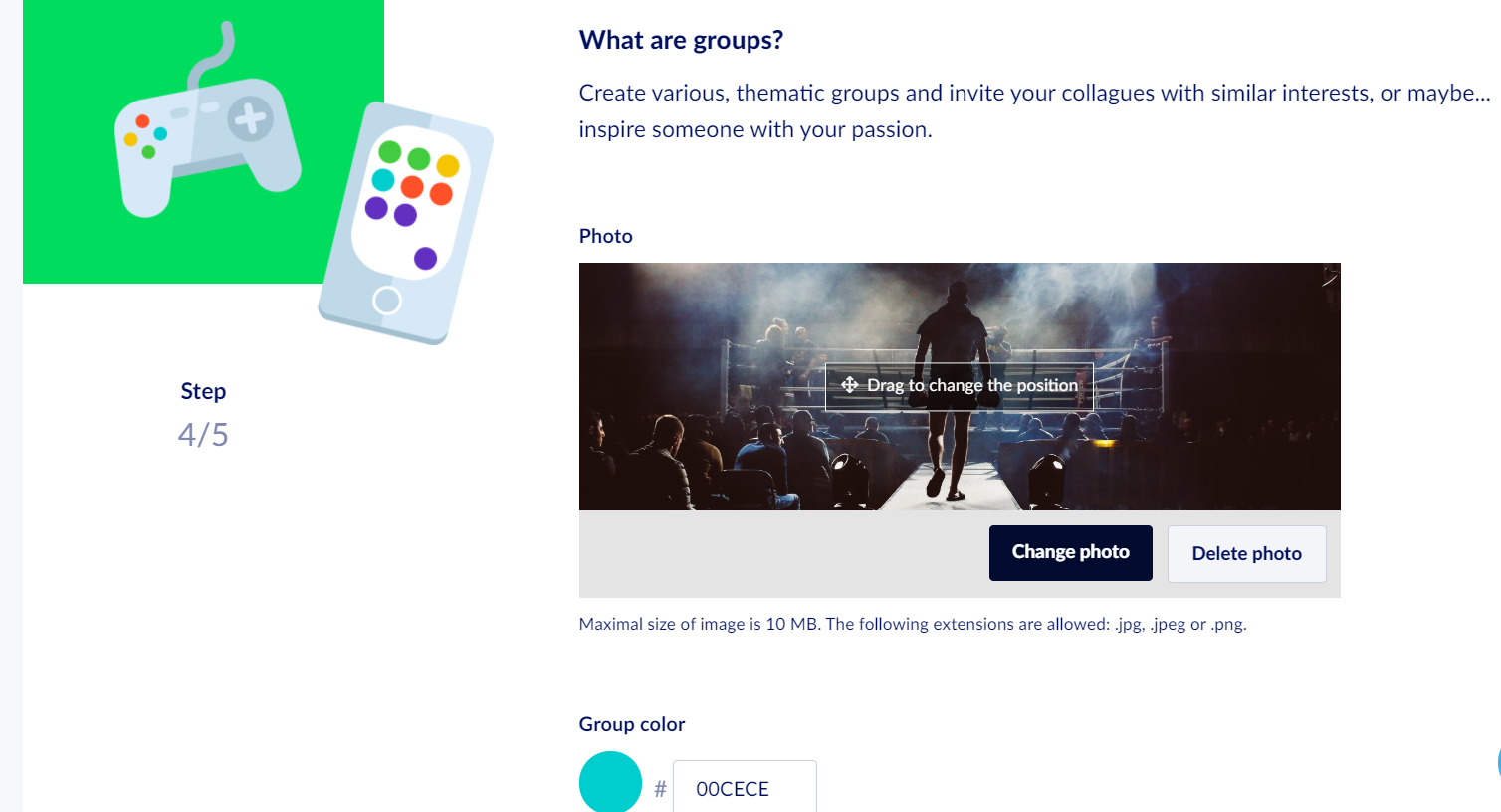
- A Group Image
An optional element that complements the theme of the group.
Select an image and fit it into a frame by moving up or down.
- Summary
Here you can optionally edit all content submitted earlier and finalize the group creation process.